
 CreateCommercial Image GenerationTurn product photos and simple prompts into polished studio shots, lifestyle scenes, and ad visuals.Launch product imagery without planning a shoot.Explore feature
All Pixizen features
Every creative tool your ecommerce team needs in one AI workflow.
Generate product visuals, videos, voiceovers, campaign copy, social content, and reusable templates without moving work across disconnected tools.
- Product-safe outputs
- Campaign-ready formats
- Built for ecommerce teams
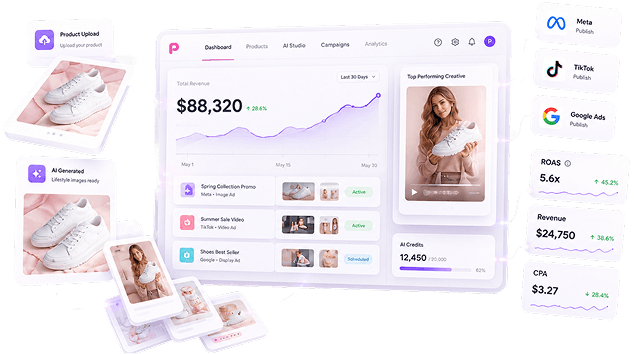
Feature library
Built for every step of ecommerce creative production.
Pixizen combines generation, editing, motion, voice, copy, templates, and campaign support into one practical workflow for commerce teams.
CreateCommercial Image GenerationTurn product photos and simple prompts into polished studio shots, lifestyle scenes, and ad visuals.Launch product imagery without planning a shoot.Explore feature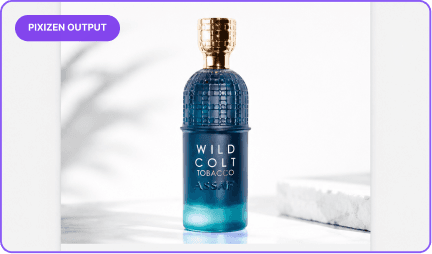 RefineImage & Video EditorResize, enhance, clean up, and adapt product media for marketplace, store, and social placements.Move from draft to polished creative faster.Explore feature
 AnimateVideo & Motion GeneratorTransform static product visuals into motion assets designed for scroll-stopping campaigns.Create video variation without a full production queue.Explore feature
 PublishSocial Media VideoCreate short-form product videos for reels, stories, launch posts, and paid social channels.Match channel expectations from the first export.Explore feature
 NarrateAds Voice GeneratorGenerate natural voiceovers for product demos, promotions, launches, and multilingual campaigns.Add professional narration without booking talent.Explore feature
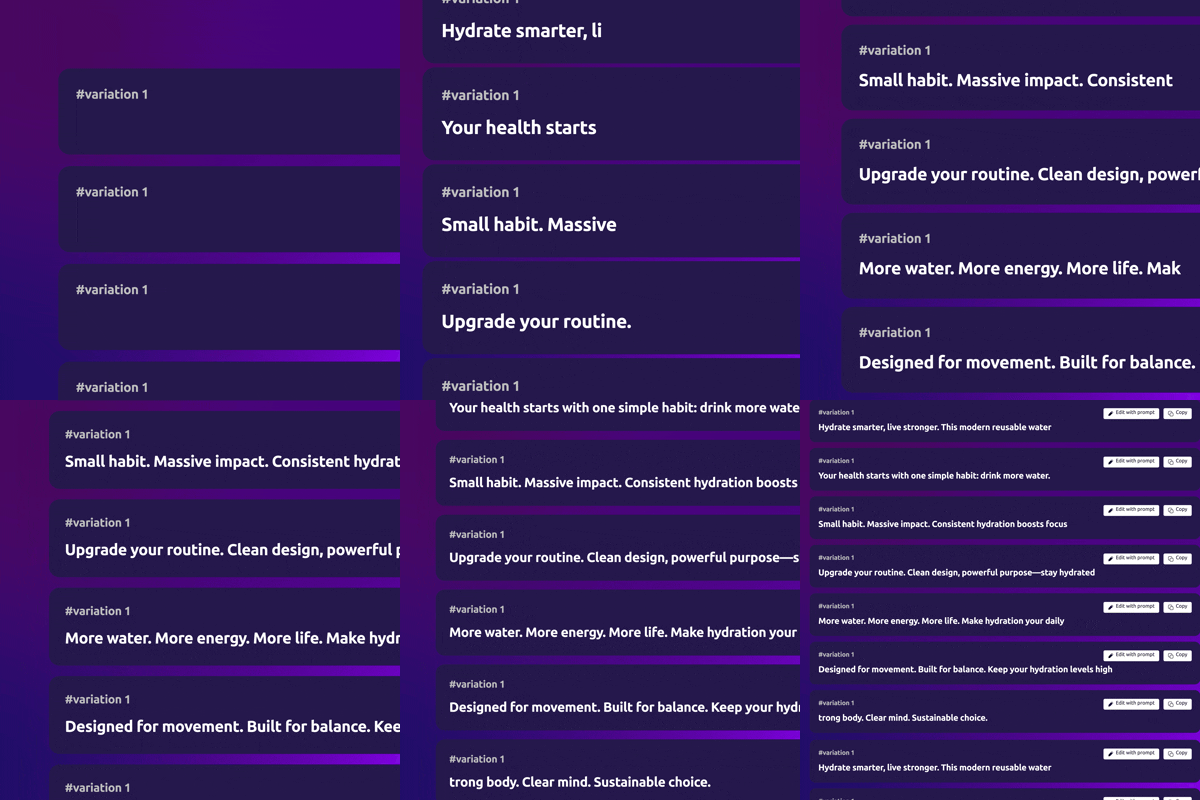 WritePromotional Text GeneratorCreate promotional messages, offer copy, headlines, and product campaign angles.Keep copy moving with the visual workflow.Explore feature
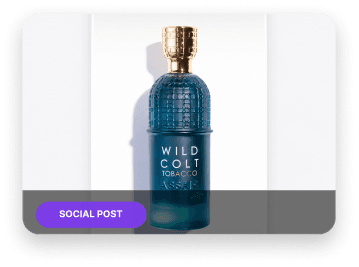 DiscoverHashtag GenerationGenerate relevant campaign hashtags for products, audiences, offers, and seasonal launches.Give every post a stronger distribution starting point.Explore feature
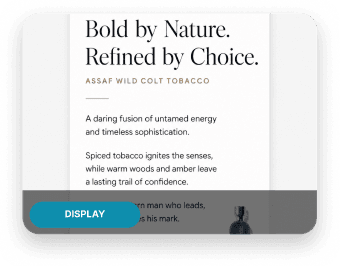 SystemizeTemplatesStart campaigns from reusable layouts for ads, product posts, offers, stories, and launch assets.Protect brand consistency while increasing output.Explore feature
Creative workspace
Keep product inputs, brand assets, and campaign outputs in one place.
Pixizen connects the work around a product instead of spreading briefs, drafts, and exports across separate tools. Teams can move from input to output with context intact.
- Product context
- Brand memory
- Channel assets

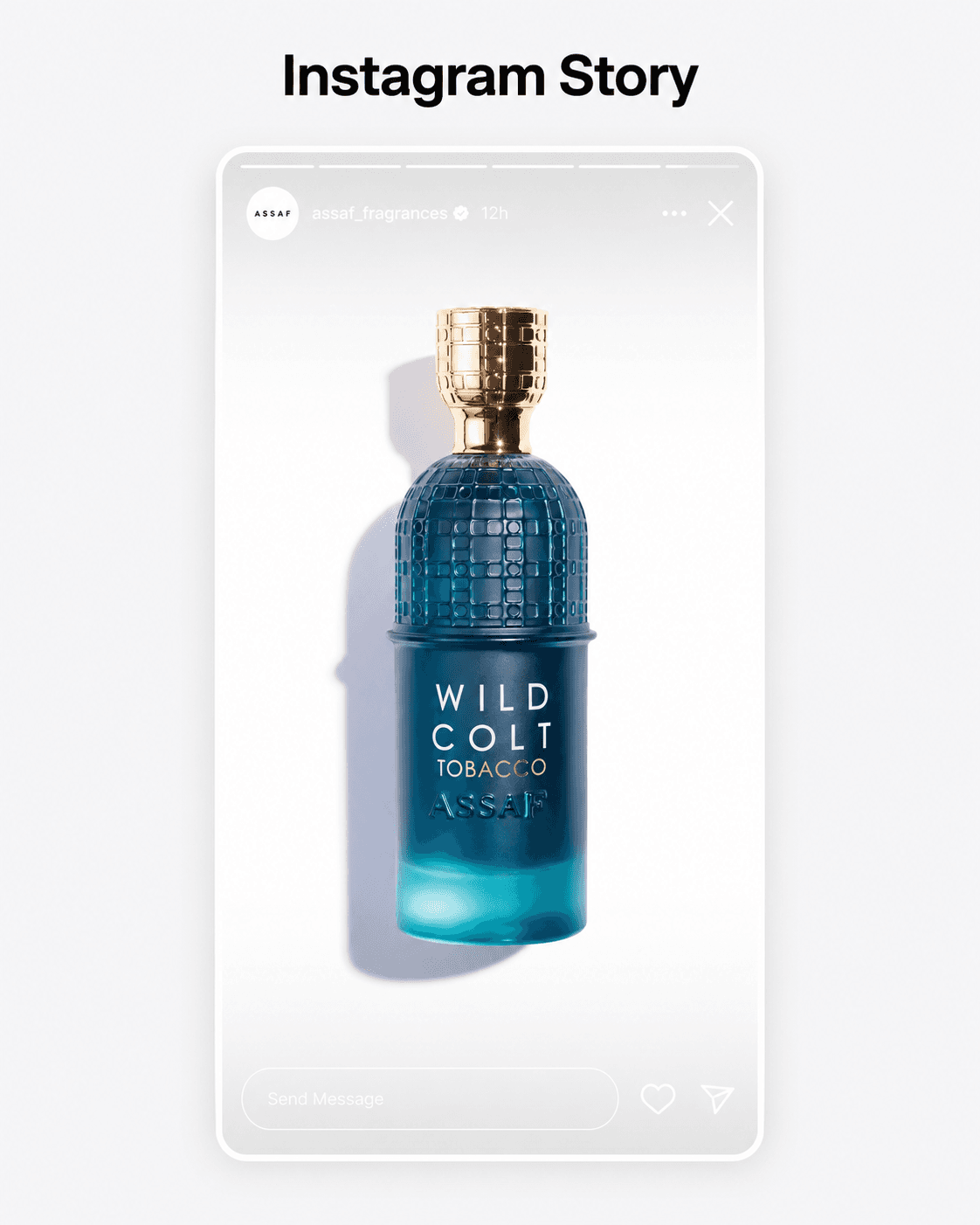
Channel-ready video
Produce creative that already understands where it will be used.
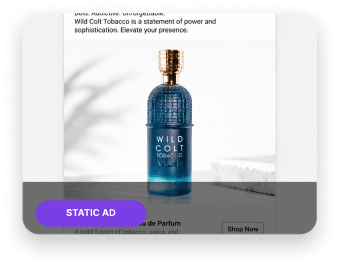
Create visual families for storefronts, ads, stories, reels, and marketplace placements from the same product source. Less resizing, fewer handoffs, more consistent launches.
- Stories
- Static ads
- Short video
Reusable systems
Turn repeat campaign work into branded templates.
Templates help teams standardize common launch assets while still using AI generation for variation. Build repeatable formats for drops, discounts, bundles, and seasonal campaigns.
- Launch kits
- Offer layouts
- Brand-safe variants
Campaign distribution
Pair creative output with sharper captions and hashtags.
Generate promotional text and hashtag ideas alongside the product creative, so social publishing stays connected to the campaign goal and target audience.
- Captions
- Hashtags
- Offer angles
How it works
One connected loop from product input to campaign output.
Pixizen helps ecommerce teams keep creative production close to product context, brand direction, and channel requirements.
- 01
Add product context
Upload product shots, define the offer, and set the channel goal.
- 02
Generate creative families
Create images, motion, short video, voice, copy, and templates from one brief.
- 03
Export channel-ready assets
Ship ecommerce visuals and campaign content for stores, ads, and social feeds.
Ready to build your ecommerce creative system?
Use Pixizen to create product visuals, videos, copy, and campaign assets from one connected workflow.